Lighting Previsualization · Beta
Light the scene.
Before you arrive.
The world's first LiDAR-powered lighting design app. Scan any room. Place virtual lights. See the shot before you shoot it.
The Creator
Built by a filmmaker,
for filmmakers.
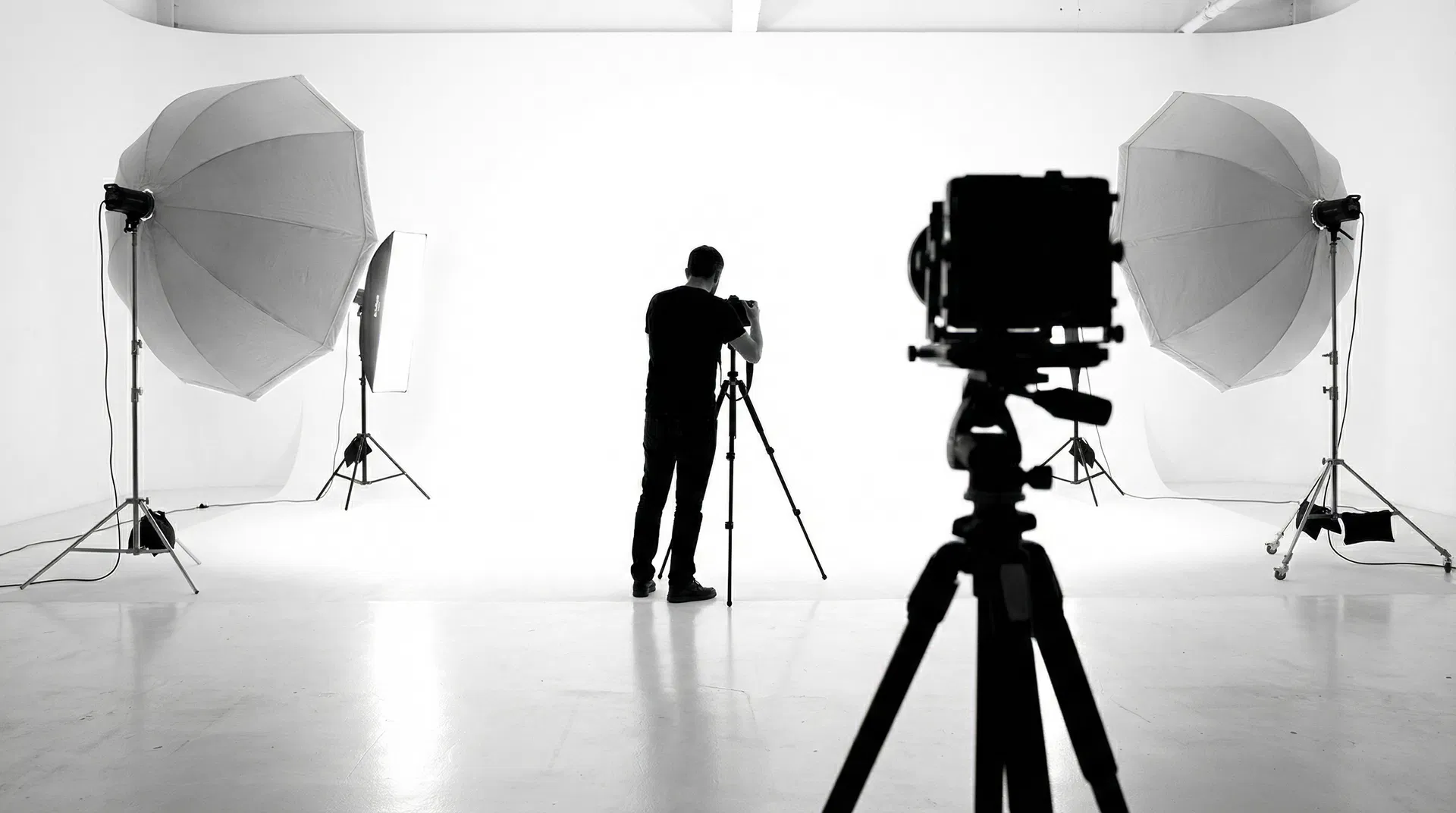
Joshua Cole is Creative Director at Leidos Inc. and a filmmaker who spent years frustrated by the same problem: you can't truly visualize a lighting setup until you're standing in the room with the gear.
ARO Studio was born from that frustration. Using Apple's LiDAR technology and real-time 3D rendering, Joshua built the tool he always wished existed.
ARO isn't just an app. It's a creative system — precision production planning in the palm of your hand.
Features
Every tool a DP needs.
One app.
01
LiDAR Room Scan
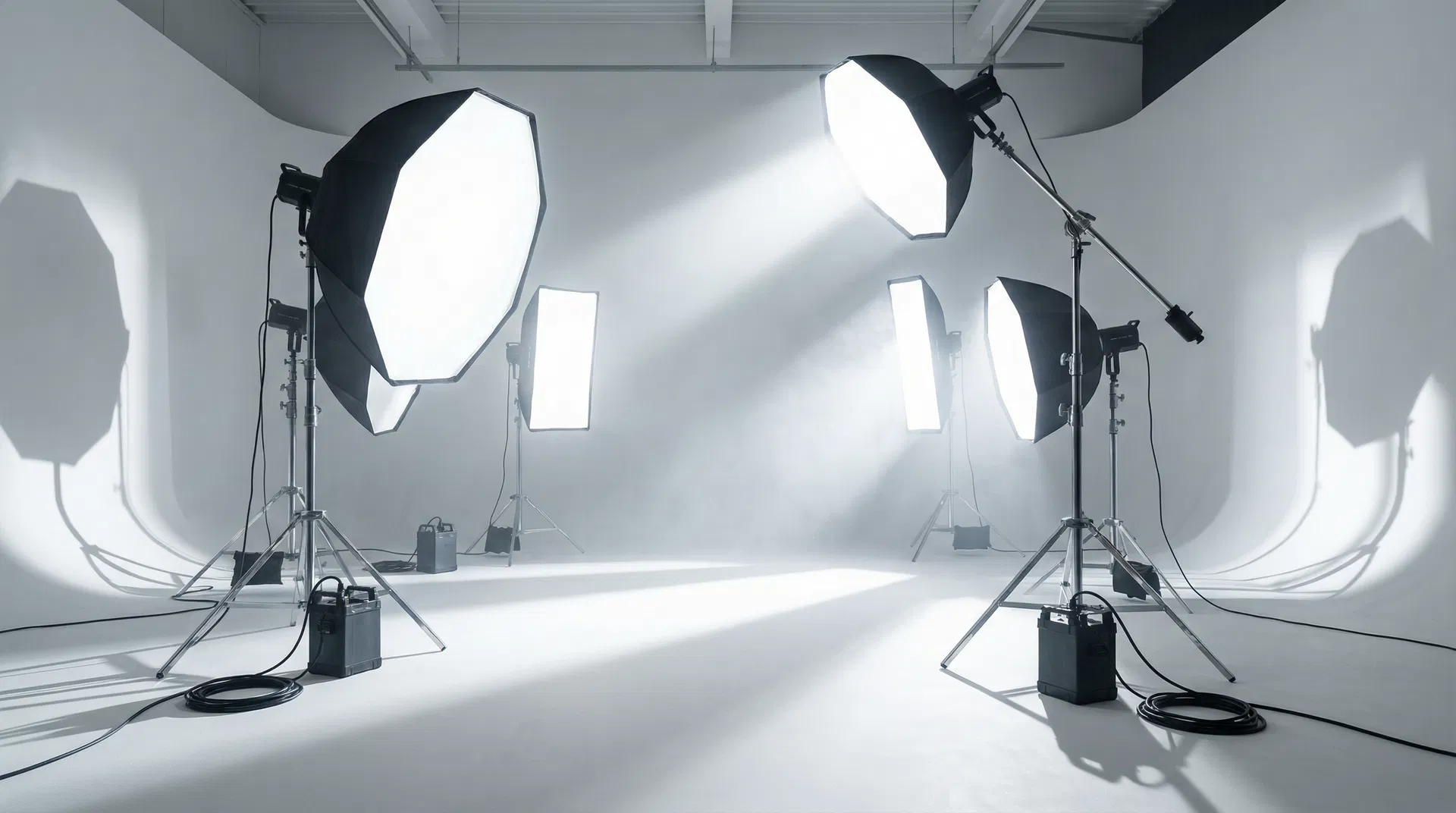
Scan any room in under 60 seconds. ARO builds a full 3D mesh using Apple's RoomPlan — walls, floor, ceiling, furniture.
02
Virtual Light Placement
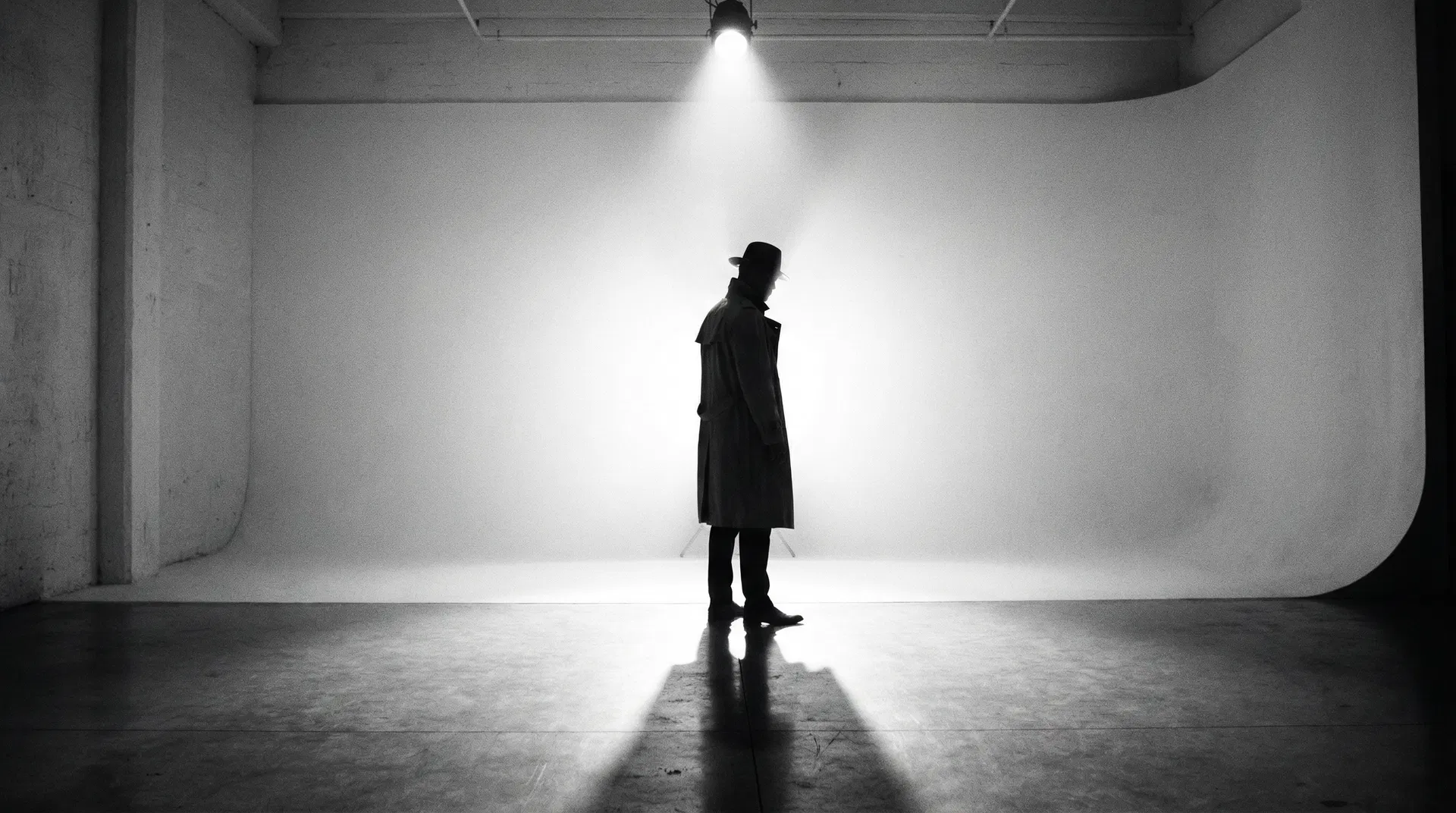
Place, rotate, and adjust virtual studio lights in 3D. See exactly how shadows and highlights fall before you unpack a single case.
03
100+ Pro Presets
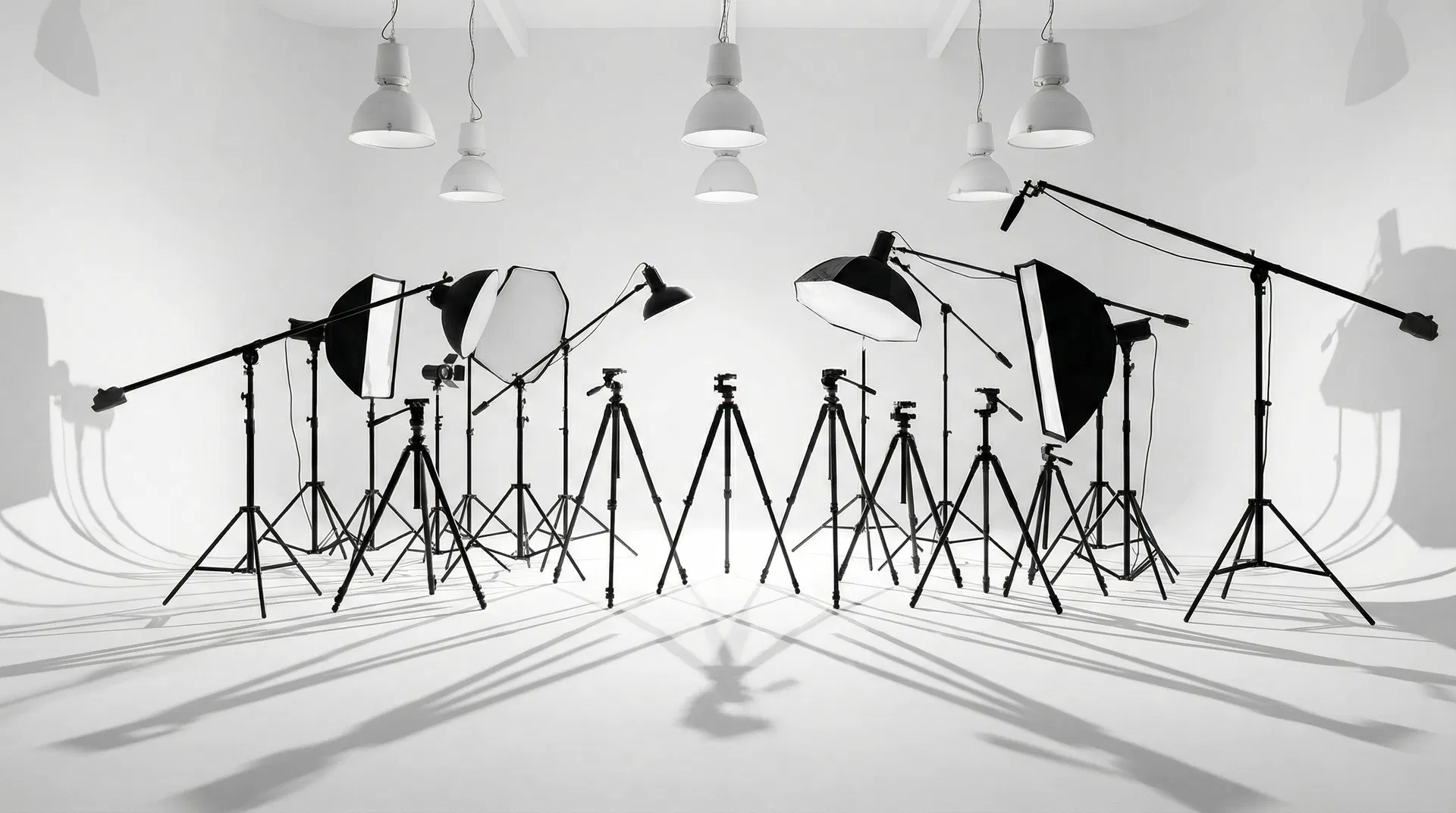
Rembrandt, split-light, butterfly, loop — load any classic setup instantly and customize intensity, color, spread, and falloff.
04
Stage View
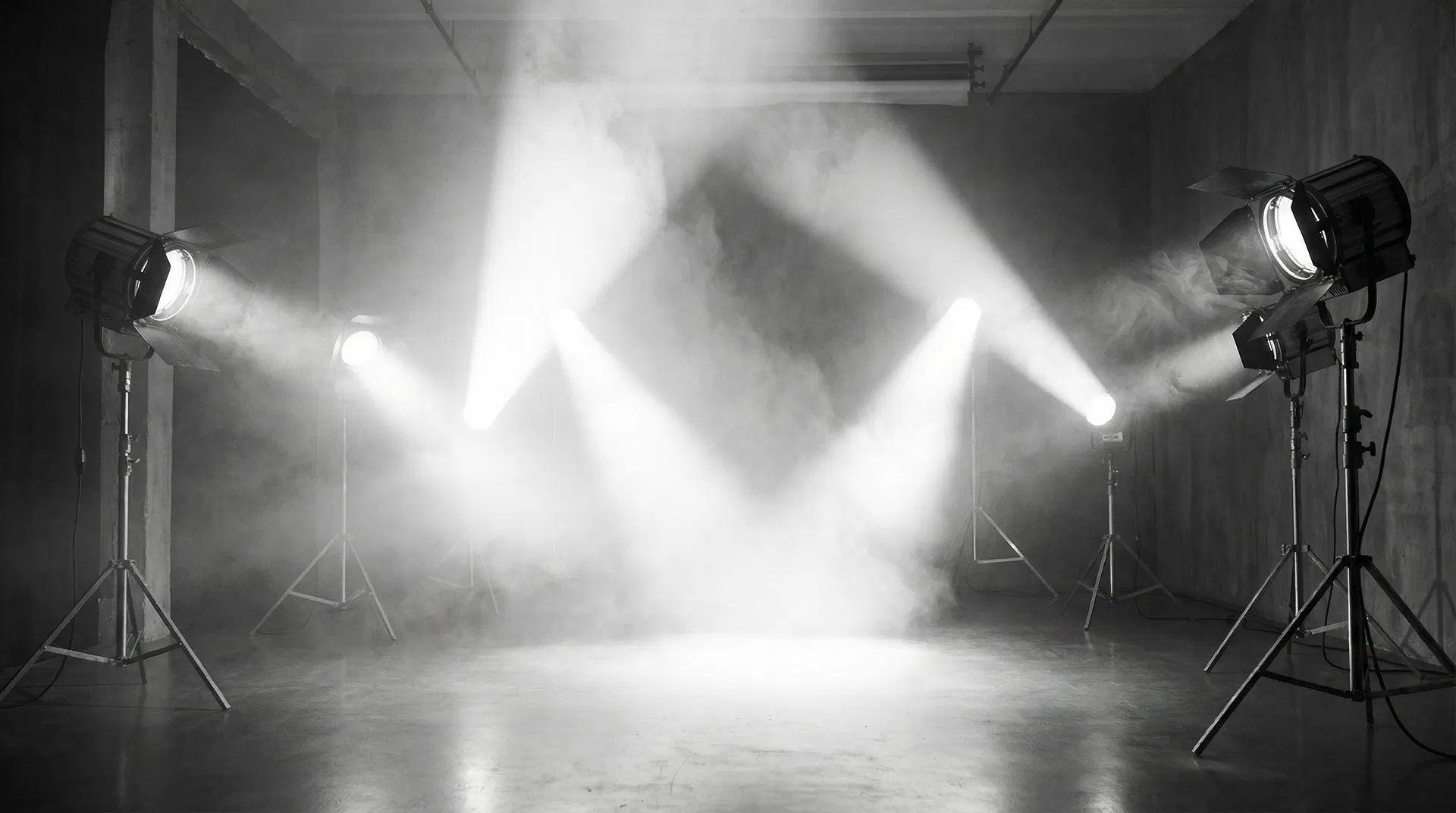
Switch to the overhead Stage view for a professional lighting diagram — exactly like a production lighting plot.
05
Export & Share
Export your lighting plan as PDF, share the 3D scene with your team, or import it into your production workflow.
06
GLB Import
Already have a room scan? Import any GLB mesh directly and start placing lights immediately — no re-scanning required.
Download
Start lighting smarter.
Free during beta.
Beta access is free and limited. Join now to be among the first photographers and filmmakers to design their scenes in 3D.
iOS 16+ · iPhone 12 Pro or later for LiDAR · Android 12+
Known Beta Issue
LiDAR Room Scan — iOS: "ARORoomScan plugin not implemented"
Some users on iOS are encountering a SCAN FAILED error when attempting to use the LiDAR room scan feature. This is a known native plugin registration issue being actively resolved. The ARORoomScan plugin is built and present but not yet fully bridged to the iOS native layer in this build.
Pricing
Start free.
Scale when you're ready.
Free
Full beta access. No credit card required.
- —LiDAR Room Scanning
- —Virtual Light Placement
- —20 Light Presets
- —Stage View
- —Export to PDF
Creator
For solo photographers and content creators.
- —Everything in Free
- —50+ Light Presets
- —Unlimited Room Scans
- —GLB Import & Export
- —Priority Support
Pro
For working DPs and cinematographers.
- —Everything in Creator
- —100+ Light Presets
- —Advanced Light Controls
- —Team Share (1 seat)
- —Early Feature Access
Studio
Up to 5 seats at $50/seat
For production companies and studio teams.
- —Everything in Pro
- —Up to 5 Seats
- —Custom Preset Library
- —API Access
- —White-label Export
- —Dedicated Support
Corporate
Enterprise licensing for large organizations.
- —Unlimited Seats
- —Custom Integrations
- —SLA & Uptime Guarantee
- —Onboarding & Training
- —Dedicated Account Manager
Live Demo
See ARO in action.
On your terms.
A personalized walkthrough with Joshua Cole. Tailored to your workflow. We'll get back to you within 24 hours.